Green Screening and Rotoscoping


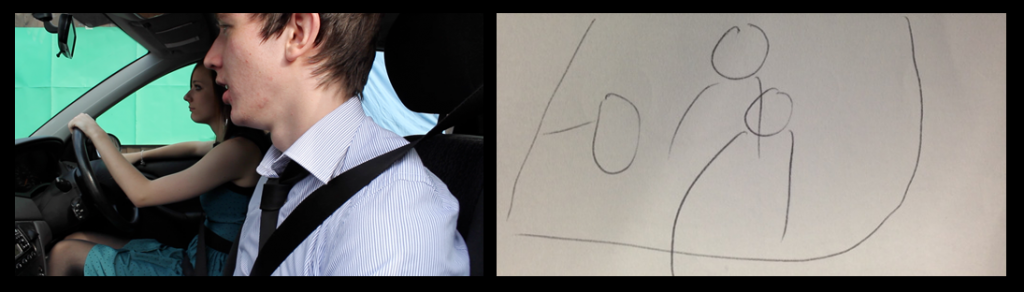
As part of my initial first video shoot, I incorporated a green screened shot which meant I could securely film my action without the shake or risk of being in a moving car. To embellish the chromakeyed area, I rotoscoped masks over the window behind the actress - having to form a mask around her facial features. 

Due to the complex movements she made, tweening the keyframes was not 100% effective so I manually altered it for every frame of the 6 second clip which amassed to over 150 separate frames. The end result does look professional and I'm very proud of the effect it produces. After changing my actors, however, and after receiving feedback from peers, I have decided not to use green screen for the refilming of the scene or for subsequent shots. The process if very time consuming and I do believe the achieved result may not be worth the time it will take away from the projects schedule. 

Actor Change

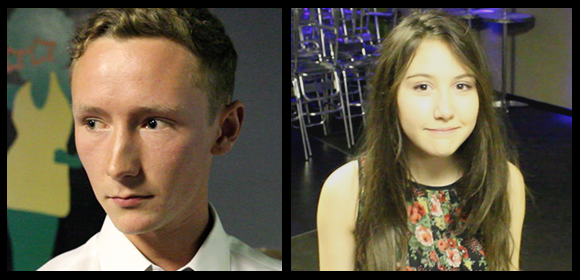
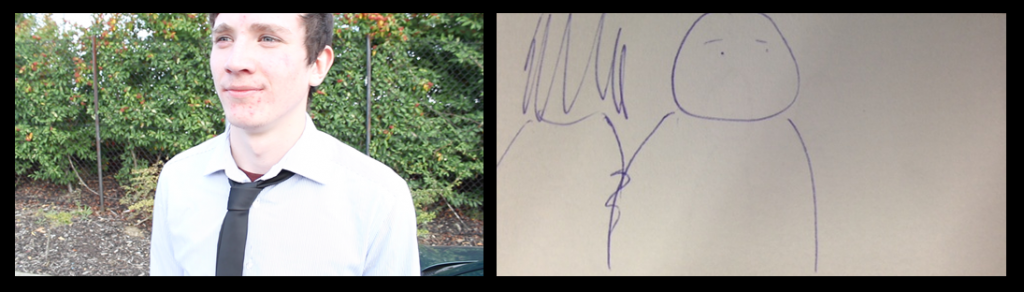
Unfortunately, the worst came to worst and I had to make the decision to change my Actors. Working around the schedules of my first lot of actors became to difficult and meant I wouldn't be able to make any of my deadlines which was not an option. Thanking my actors for their help, I began the search for people who would be more available. My difficulty was, however, that I did not know a great number of couples who would both be up for the project and suit my vision. I, therefore, chose to look for separate people who could hopefully act as a couple between the two of them. With this, I arrived at my friend Dave and a colleague from my school, Charley:

As they are not a couple, I had expected filming may be slightly awkward, but both were very good actors and followed direction extremely well. I was extremely happy with their participation in the first video shoot and the suspected barrier was not withstanding.

I have lost a small amount of footage due to this change, but my time has been saved in the long term and I don't begrudge having changed. 

Song Tutorial

As part of my production, I needed to learn the song to perform it in the music video on the guitar. As I was working with an unsigned artist, I asked them if they could write the chords down for me to work out the rest of the song. Not expecting much more than this, I was surprised when Daniel Lewandowski (the artist) sent me an email with the following YouTube videos attached. In the videos, Daniel aimed to teach me step by step the exact way he plays the song which ultimately lead to me having a greater understanding of the song than I could ever have had with the mere chords or tablature.

Scheduling Difficulty

As I am working with a venue which can only offer me restricted times to film and actors, some with full time work commitments, it has been incredibly difficult to organise when I can film scenes. The first film shoot was only possible when it was completed due to surplus time during pre-booked holidays which were not especially for production. I have now secured an appointment to discuss suitable days to film, though I have been informed that the least busy periods are Mondays and Wednesdays in the day. This could be a potential problem as my female actor works 9 till 5 every day where my male actor begins work at 5 o'clock, which leaves no time for filming their joint scenes. I will have to enquire about other times where the room may be available for a short amount of time where I can film the shots that involve both actors. Luckily, the actor I need for most of the production, is available most of the day. 

Permission for Venue

Concerning Café Con Leche, which I enquired about using as the venue for my Music Video, I have heard back from them and been granted permission to use the premises on a Monday or Wednesday afternoon; their least busy periods. I have also received permission from my teachers to use my lessons for filming in the venue, though I have decided that the best plan is to use my half term holidays; as my school operates a different system than most half terms so the venue will still be free and I will have the whole day to prepare and complete the filming without the need to go to school.

Audience Feedback on Initial Footage

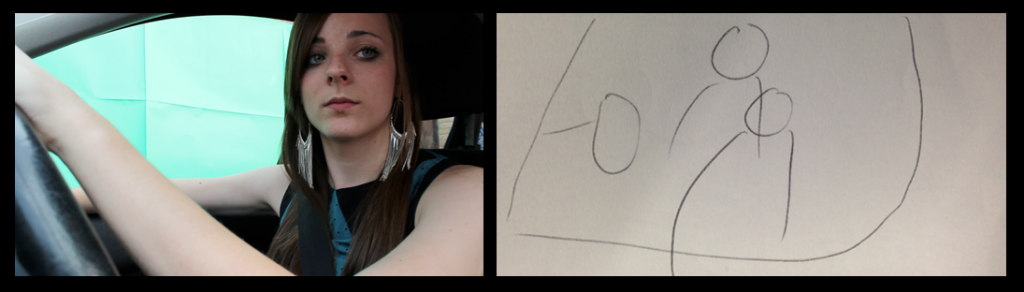
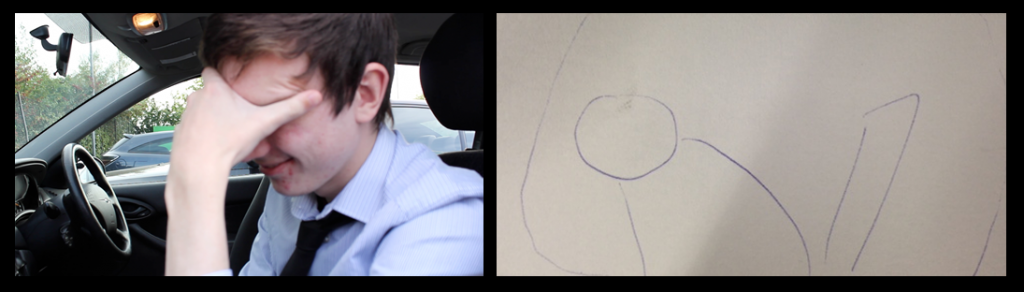
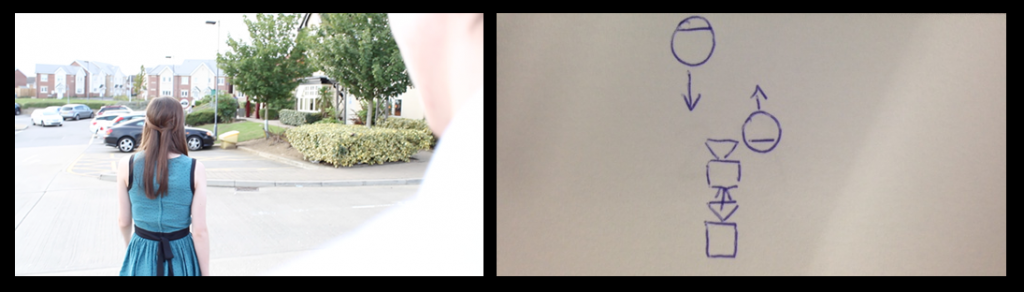
After filming, I decided to ask some of my colleagues what they thought of the footage to receive some feedback on what I had done and what they felt I should do for future shots. Asking three colleagues and one of my teachers, I received a varied range of comments on my shots. Below are some of the screenshots I used in the initial footage recount with comments from them:

Shot 25


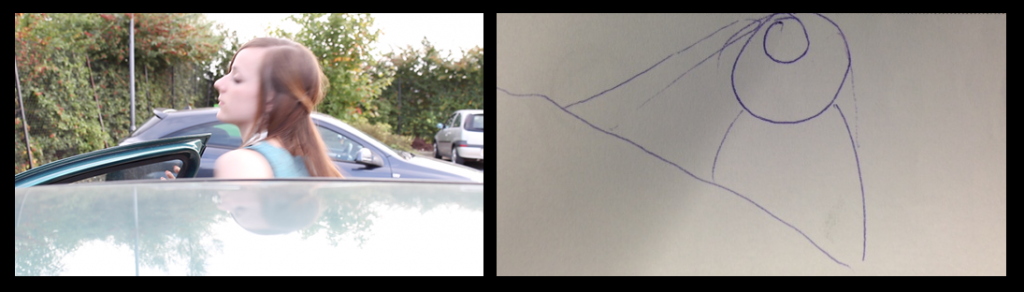
Colleague 1: "I think you did the right thing, by swapping characters; the driver storming off and throwing the keys to indicate she wants to leave seems more believable than the one who is not driving leaving and having to wait for the driver anyway."

Colleague 2: "The framing works well, and you did well to re-imagine it after the initial frame didn't work.

Shot 26


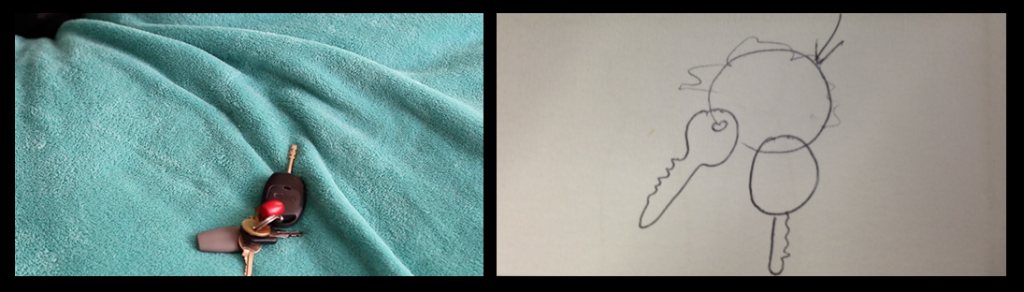
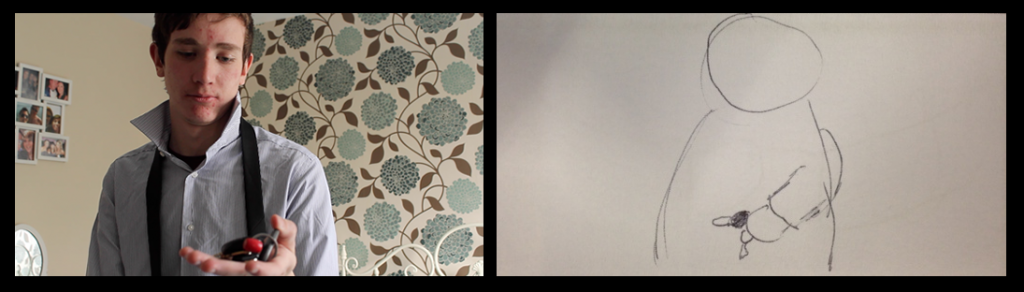
Teacher: "The focus on the keys is very nice and it is clear you did this before starting the scene."

Shot 34


Colleague 3: "This shot works well and, having seen the edited footage already, it works really well, but I would advise you use green screen as little as possible from here on out because removing the undesired elements is a lot of work."

Teacher: "The movement is nice and smooth which utilises your dolly well."

Shot 34.5


Colleague 2: "Like Colleague 3 said, the green screen does still look good, but it is obviously a lot of work which could be avoided. If you were planning again, it may have been better to film with an actual background though steadiness is compromised."

Shot 37


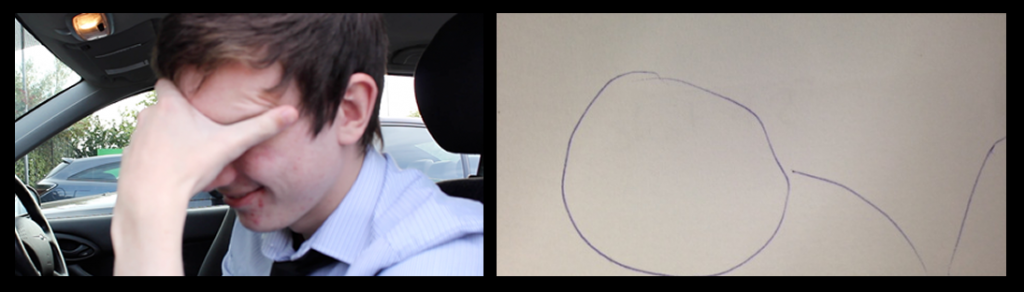
Colleague 1: "I really like this shot, though the focus could be slightly sharper; the emotion really shines through."

Teacher: "The closeness to the character and his sheer emotion is almost eery - I feel your choice of actor was well done as they have really committed themselves to the performance."

Shot 49


Teacher: "Using steadicam, you have followed the character well which was your intention - the turn could be longer though due to that the shot doesn't last too long."

Recount of First Video Shoot


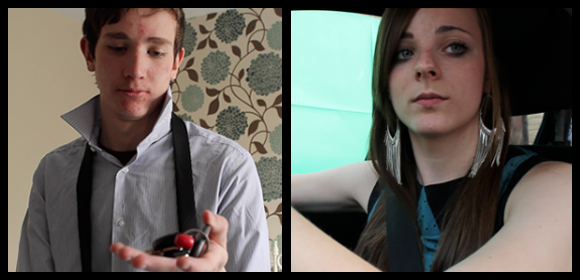
The first video shoot was to complete all of the external and non-venue location scenes so that the main focus is to secure the venue shots when I have received confirmation of a location. As the filming involved only a few scenes and was my first shoot, I want to evaluate the work shot by shot below, detailing changes I made in production and how they will benefit me in the long run. Unfortunately, due to the sheer mass of shots that will be filmed on location, I won't be able to be as detailed with every shot, but will ensure all changes are noted for exposition on either my blog or overall evaluation. Shot 35 and 39 were omitted in filming as I decided they were unneeded.


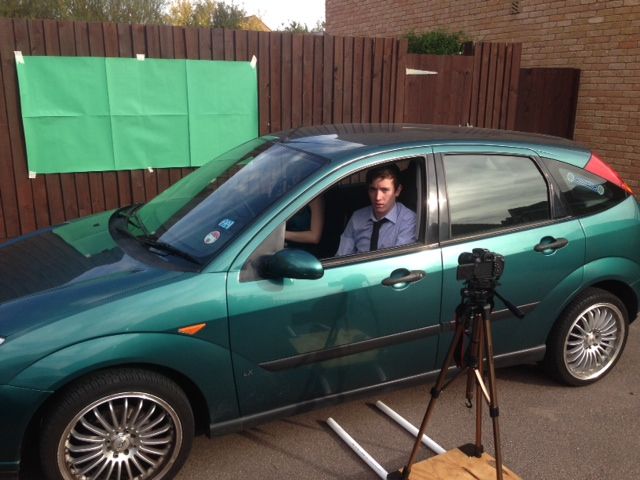
The above is evidence of the most adventurous shot of the day; I will delve further in evaluating it when I reach it below, but it required the use of a green screen, two actors and a camera dolly. This will then be post-produced to give the effect that the car is moving. 

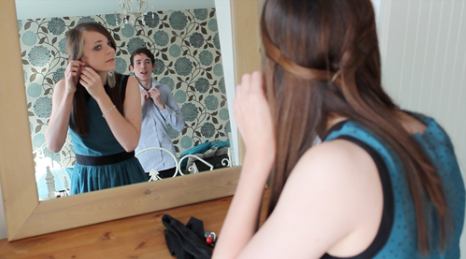
Shot 25


This shot needed to be precisely framed, though once it was it looked very nice. When I conceptualised the shot, I did not anticipate how the reflections would work, but the overall idea was clear. I also decided that the scene would flow easier if I swapped the two characters around which was decided on the shoot.

Shot 26


This shot worked as expected, I focused the lens with the keys in shot to begin with to perfect it, before removing them to begin filming. I am glad the keys weren't entirely central as the shot then looks less set up.

Shot 27


As it was a tracking shot, this took a few takes, but worked as expected so didn't take any longer than needed. I like the framing and focus of the shot - offering a close mid shot which reveals the emotion of the actor.

Shot 34


Having begun the chroma key aspect of this shot, editing out the green and background of the car, the shot is proving very effective. The process does, however take a very long time requiring rotoscoping and keying. Any remaining green edges are also removed when I desaturate the video in post production.

Shot 34.5


This shot also was difficult to rotoscope as there are green reflections on the actors hair, though after rotoscoping and post production it looks realistic and serves it's purpose.

Shot 36

Again, taking a couple takes to ensure the shot was correct, I like the final shot and an unplanned element which is the shake of the camera as the door slams is really effective, i feel.

Shot 37 & 38


Directing the actor slightly differently from the storyboard, I chose not to have the actor leaning forward which effects the timing of the following shot which will now be a slightly zoomed version of the same footage.

Shot 49 & 50


The content of this shot is slightly different though the effect is the same; rather than a barge of the shoulder I have the male character calling after the female who turns and then walks on as if to 'snub' him. The next shot is a reverse shot to show the male characters reaction and I feel this shows well. I would, however, like to lower the lighting in post production so it is not so glaring.