Showing posts with label Storyboarding. Show all posts

Audience Feedback on Initial Footage

After filming, I decided to ask some of my colleagues what they thought of the footage to receive some feedback on what I had done and what they felt I should do for future shots. Asking three colleagues and one of my teachers, I received a varied range of comments on my shots. Below are some of the screenshots I used in the initial footage recount with comments from them:

Shot 25


Colleague 1: "I think you did the right thing, by swapping characters; the driver storming off and throwing the keys to indicate she wants to leave seems more believable than the one who is not driving leaving and having to wait for the driver anyway."

Colleague 2: "The framing works well, and you did well to re-imagine it after the initial frame didn't work.

Shot 26
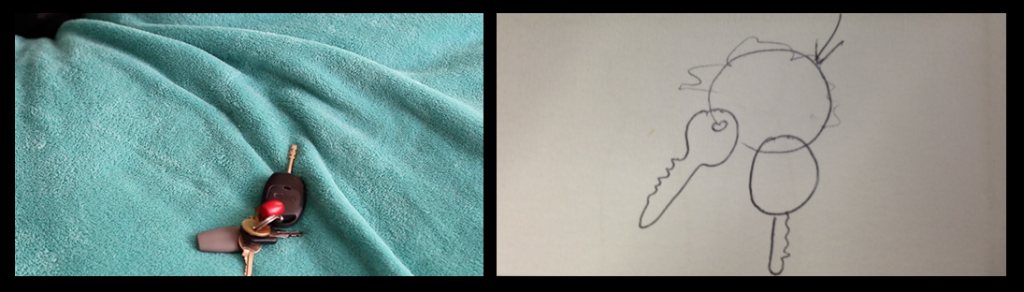


Teacher: "The focus on the keys is very nice and it is clear you did this before starting the scene."

Shot 34
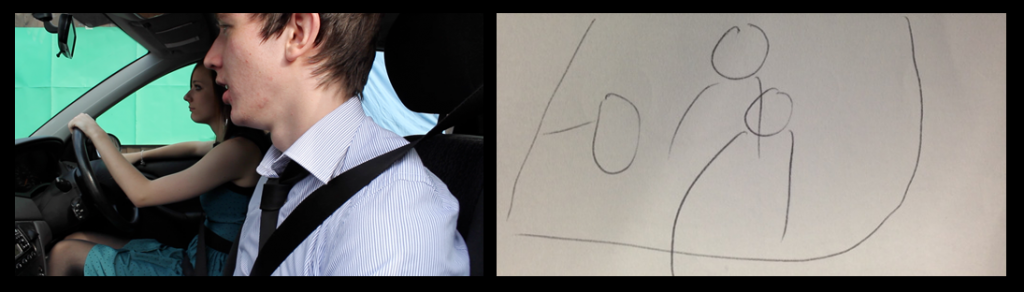

Colleague 3: "This shot works well and, having seen the edited footage already, it works really well, but I would advise you use green screen as little as possible from here on out because removing the undesired elements is a lot of work."

Teacher: "The movement is nice and smooth which utilises your dolly well."

Shot 34.5
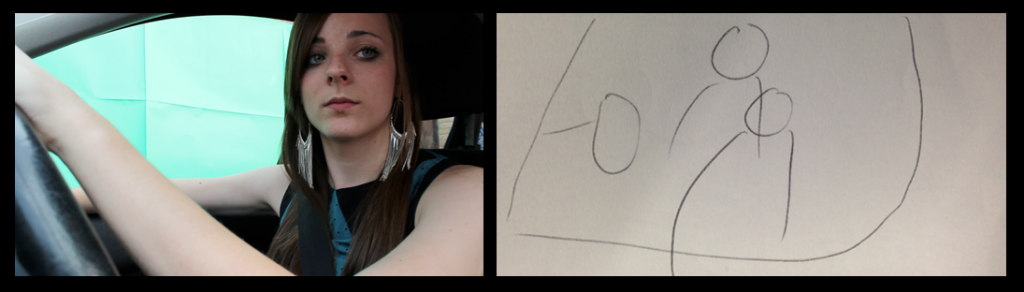


Colleague 2: "Like Colleague 3 said, the green screen does still look good, but it is obviously a lot of work which could be avoided. If you were planning again, it may have been better to film with an actual background though steadiness is compromised."

Shot 37
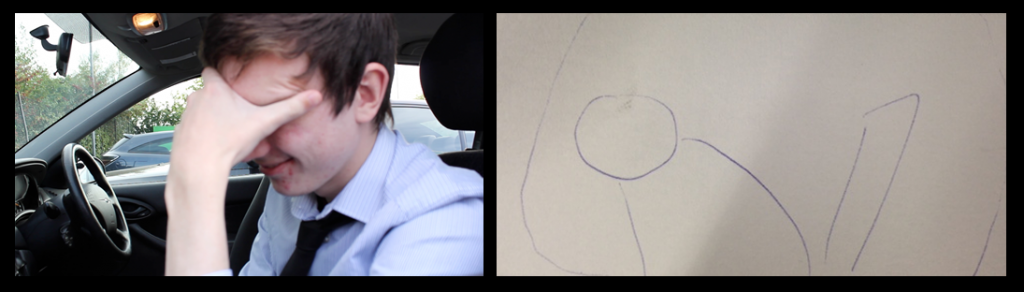


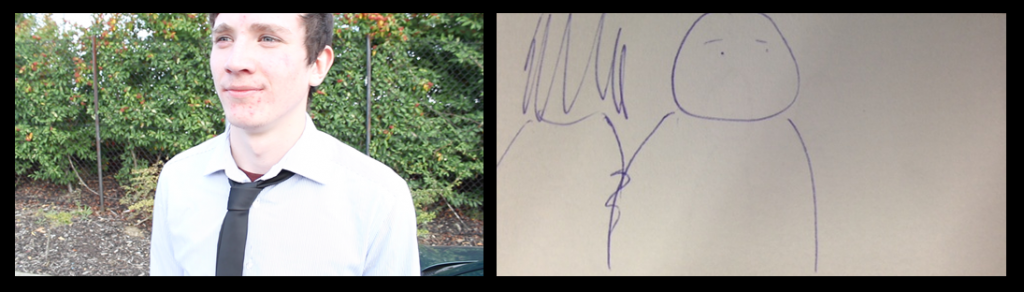
Colleague 1: "I really like this shot, though the focus could be slightly sharper; the emotion really shines through."

Teacher: "The closeness to the character and his sheer emotion is almost eery - I feel your choice of actor was well done as they have really committed themselves to the performance."

Shot 49
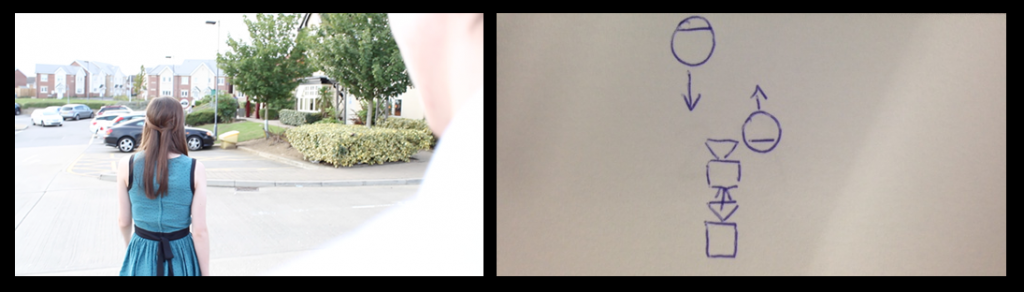


Teacher: "Using steadicam, you have followed the character well which was your intention - the turn could be longer though due to that the shot doesn't last too long."

Recount of First Video Shoot


The first video shoot was to complete all of the external and non-venue location scenes so that the main focus is to secure the venue shots when I have received confirmation of a location. As the filming involved only a few scenes and was my first shoot, I want to evaluate the work shot by shot below, detailing changes I made in production and how they will benefit me in the long run. Unfortunately, due to the sheer mass of shots that will be filmed on location, I won't be able to be as detailed with every shot, but will ensure all changes are noted for exposition on either my blog or overall evaluation. Shot 35 and 39 were omitted in filming as I decided they were unneeded.


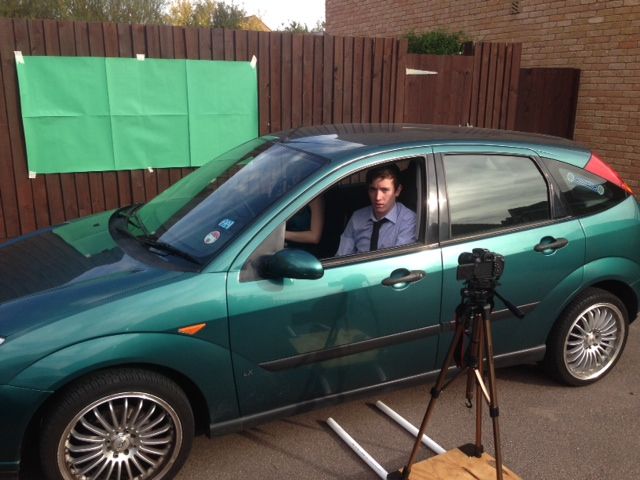
The above is evidence of the most adventurous shot of the day; I will delve further in evaluating it when I reach it below, but it required the use of a green screen, two actors and a camera dolly. This will then be post-produced to give the effect that the car is moving. 

Shot 25


This shot needed to be precisely framed, though once it was it looked very nice. When I conceptualised the shot, I did not anticipate how the reflections would work, but the overall idea was clear. I also decided that the scene would flow easier if I swapped the two characters around which was decided on the shoot.

Shot 26


This shot worked as expected, I focused the lens with the keys in shot to begin with to perfect it, before removing them to begin filming. I am glad the keys weren't entirely central as the shot then looks less set up.

Shot 27


As it was a tracking shot, this took a few takes, but worked as expected so didn't take any longer than needed. I like the framing and focus of the shot - offering a close mid shot which reveals the emotion of the actor.

Shot 34


Having begun the chroma key aspect of this shot, editing out the green and background of the car, the shot is proving very effective. The process does, however take a very long time requiring rotoscoping and keying. Any remaining green edges are also removed when I desaturate the video in post production.

Shot 34.5


This shot also was difficult to rotoscope as there are green reflections on the actors hair, though after rotoscoping and post production it looks realistic and serves it's purpose.

Shot 36

Again, taking a couple takes to ensure the shot was correct, I like the final shot and an unplanned element which is the shake of the camera as the door slams is really effective, i feel.

Shot 37 & 38


Directing the actor slightly differently from the storyboard, I chose not to have the actor leaning forward which effects the timing of the following shot which will now be a slightly zoomed version of the same footage.

Shot 49 & 50


The content of this shot is slightly different though the effect is the same; rather than a barge of the shoulder I have the male character calling after the female who turns and then walks on as if to 'snub' him. The next shot is a reverse shot to show the male characters reaction and I feel this shows well. I would, however, like to lower the lighting in post production so it is not so glaring.

Music Video Final Storyboard

After I had completed my draft storyboard of ideas for the production, I knew they would need refining into a comprehensive storyboard of shots complete with timings and detailed descriptions. I have compiled the final shots into a presentation which can be found below.


I wanted to wait until I had filmed a lot of my footage, because - as you can see - I knew I would be adding a number of revisions and retimings to make the shots fit. Due to the crossings out etc. the original idea are still apparent, however, so I feel this is a cohesive representation of my planning process. 

Shooting Plan for First Video Shoot

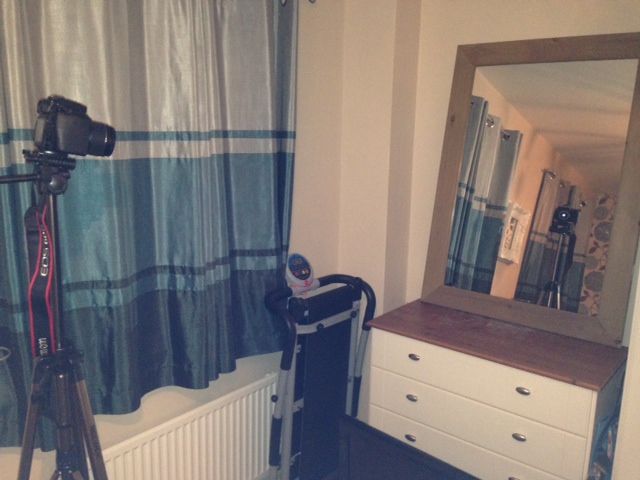
The first scenes I plan to film are few, but one of which quite adventurous which requires a small amount of forward planning. The first requires the dressing of a bedroom set to film a long take flashback in a mirror, though the second involves me artificially making a car look like it's moving while it is, in actuality, stationary and creating the special effect of the camera moving through the cars window. Most of the work on this scene, however, will be done in post so it should not complicate filming so much. Below is my shot list and below that a plan of Shot 34 which is the most difficult:


Shot 34

Equipment needed:
  • Camera Crane
  • Camera Dolly
  • Tripod
  • Greenscreen
The shot involves a slow zoom in to the window of a car while it is apparently moving. The camera will show the effect of dissolving through the passenger door window and showing the argument from within. This will be added in post production via motion tracking in Adobe After Effects. To achieve the slow zoom and eventual ending of the camera being inside the car, I will be mounting my camera crane on my camera dolly so that I can track towards the car on the dolly and the extended arm will enter the car. This must be extremely smooth as, even though I am using motion tracking, the smoother the shot the more professional it shall eventually seem. Before tracking, some of the area around the car may be visible which I must either mask out or ensure they are covered by the green screen. 


Revision of Shot Design

Some of the shots in my storyboard are quite adventurous. Those that are adventurous can be categorised into those that I know will work, but may need some planning before hand and those that I have never tried before and cannot be sure will work. 

The most difficult of these is a ghosted shot made up of two identical shots, one with just the background and one with the background and actors. Overlaying these two shots and reducing the acting layers opacity produces a ghosting effect. 

I have other shots similar to this, but the difference here is I want the camera to slowly track around the characters. To produce the effect I would need to reproduce the exact same movement for two separate shots. Due to how difficult this is, I attempted to test the shot which added the obstacle I expected; producing the same movement is nigh on impossible and I can not be sure I will be able to do so smoothly. 

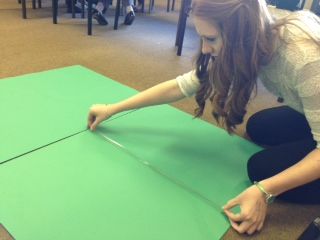
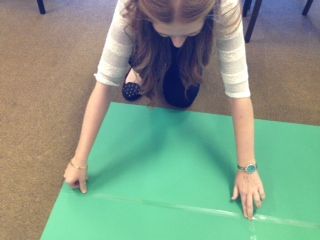
To remedy this, I revised the shot and now know how I will successfully produce it. Acquiring green paper from the Art department at my school, I have been able to redesign a working shot using a portable green screen where the background of the acting scene does not need to be the same and it can be superimposed over the top. To acquire the shot I will film the scene twice. The first shot is a 360 pan around a spot as if there were characters in the centre. To accompany this, the green screened shot will involve the actors dancing and spinning on the spot to recreate the camera movement. Editing these two together, if the speed is the same, will look like the shot was filmed as one and the movement is entirely natural.

Storyboard ideas

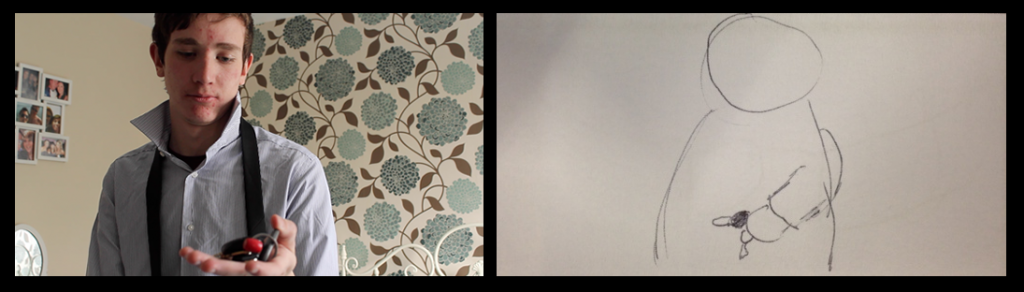
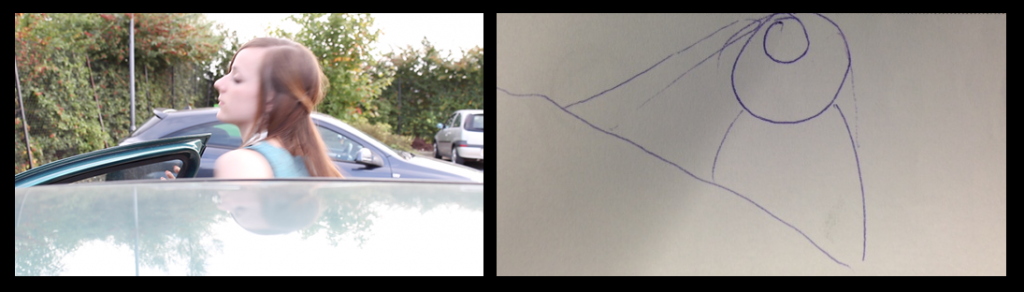
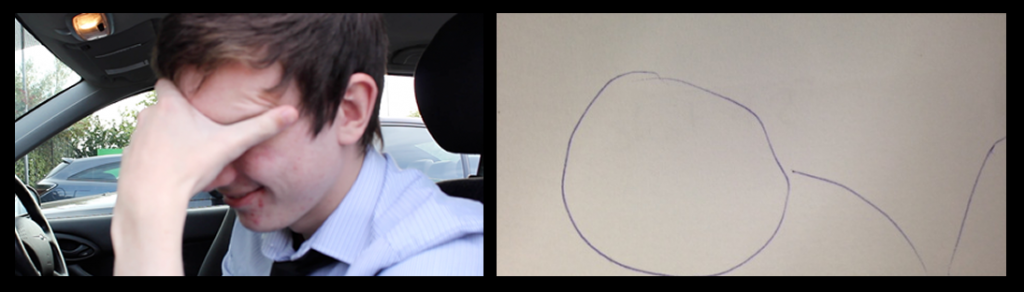
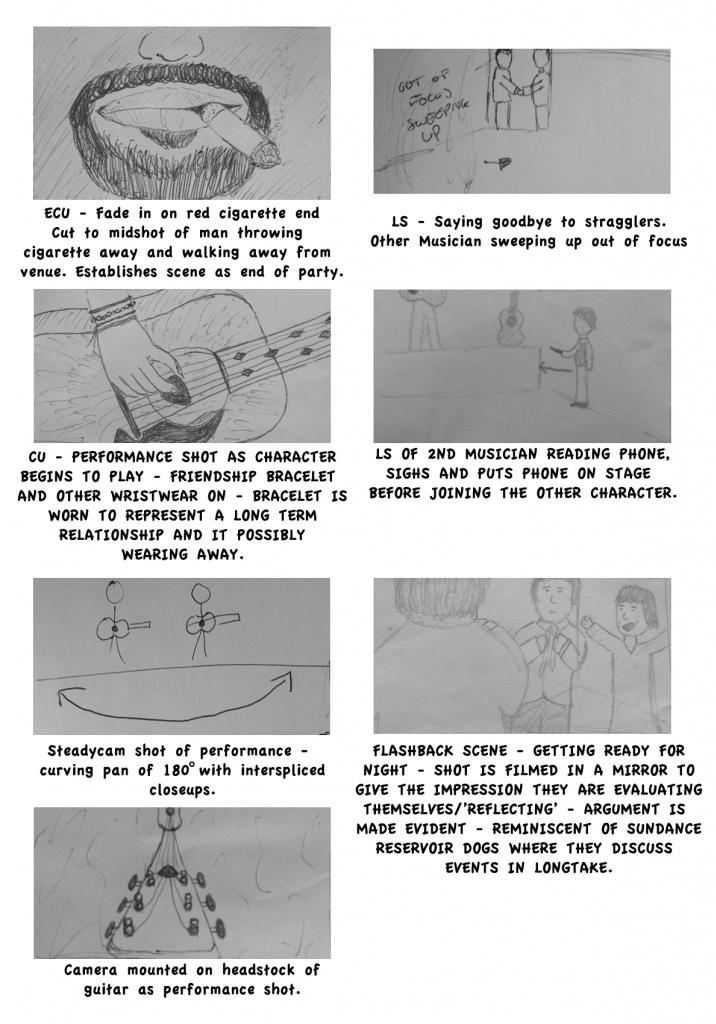
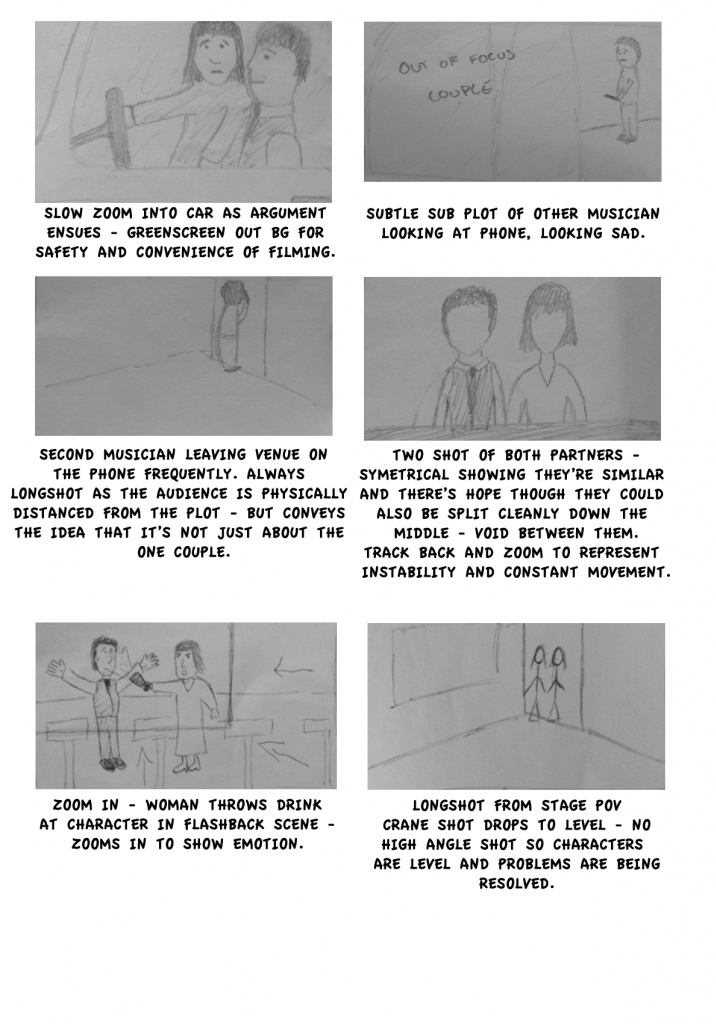
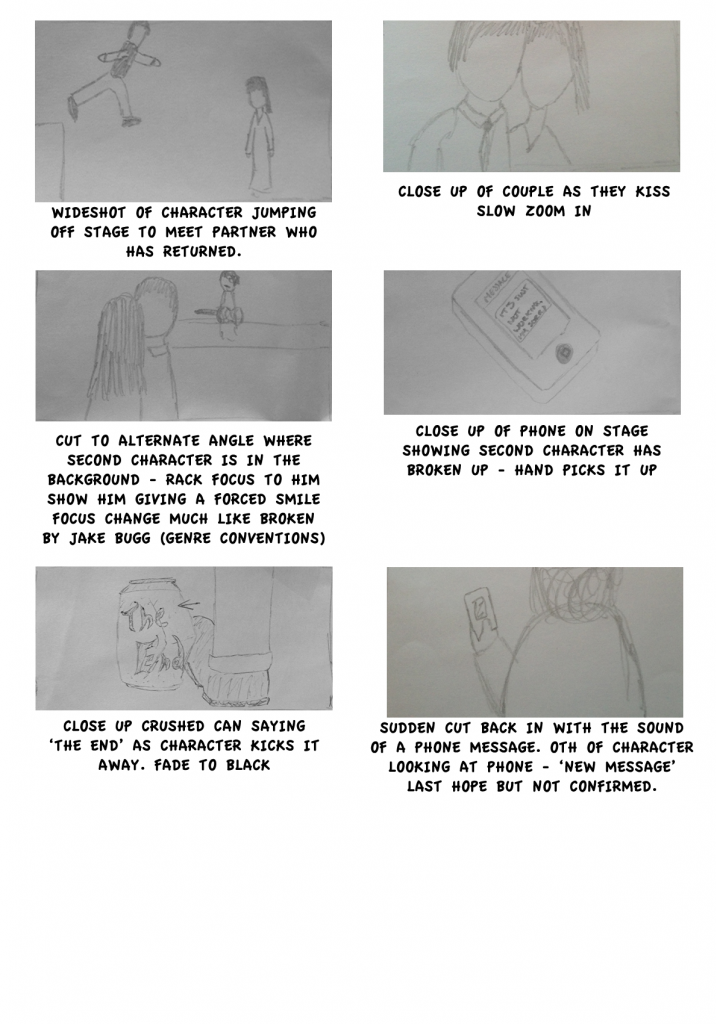
To complement my Moodboard and to begin fleshing out my initial idea, I have designed a storyboard of significant shots, detailing why they have been chosen and what they represent. The proceeding post will include a shotlist, which works along side the Storyboard, but goes into much greater depth and will, ultimately, aid me in completing the final Music Video.

Click the images above to enlarge them